If you wish to use your own domain name instead of the USNH-provided one that ends in usnh.domains such as yourdomain.org or yourdomain.info, then you must purchase your own domain name. Beware, not all vendors that sell domain names are the same, and some are not compatible with usnh.domains. To ensure that your domain name can be used with usnh.domains, you need to make sure that the provider that you purchase your domain from will allow you to set the name servers for your domain to the usnh domain of one’s own domain servers. Vendors that provide an ‘all in one’ website design, hosting and DNS name are often ‘locked’ to only use their own DNS servers. We recommend that you purchase your domain name from either https://www.reclaimhosting.com/ or https://godaddy.com/.
Once you have purchased your domain name, you will need to set it’s IP address to the IP address shown in your CPANEL. For most usnh.domains sites, this will be 51.81.100.17, but we recommend you verify your IP address in your CPANEL. See the graphic below for where in your CPANEL this is displayed. Setting your IP address for your purchased domain is done with the vendor you purchased the domain from. Further instructions on doing this will need to be provided by the vendor you purchased your domain from.

In addition to setting your IP address, you should set your name servers to the following name servers:
Primary: ns1.reclaimhosting.com
Secondary: ns2.reclaimhosting.com
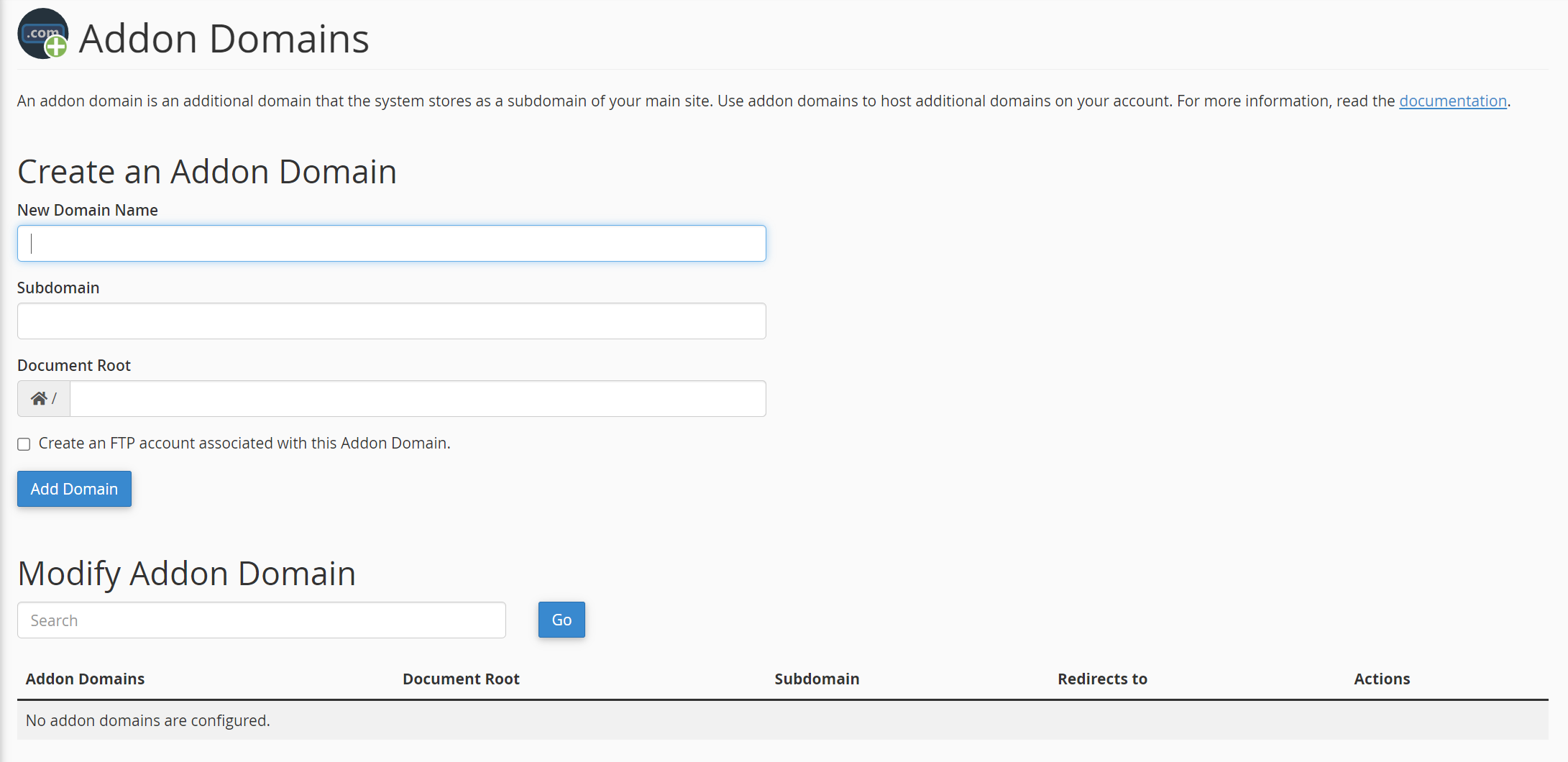
Once you have set the IP address and name servers at your domain vendor, you may add your domain to your site by using the Addon Domains setting in your DooO CPANEL. Put your domain name in the ‘New Domain Name’ field and / in the document root section. Complete this setting by clicking the ‘Add Domain’ button.
At this point your domain should be correctly pointed to your usnh.domains site. Once you have tested that it is working, a final step is required to enable SSL encryption for your site. This step will be done by ET&S staff. You can indicate that you’re ready for this by submitting a service request ticket.