Step One: Signing up for an Account
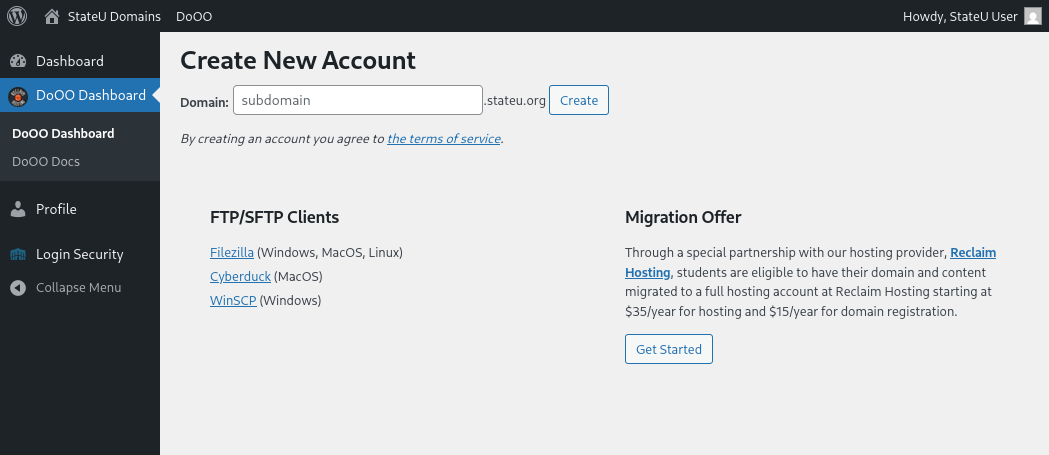
The first step will be to sign up for an account at Reclaim Hosting.
- If you had a student account, use this Student/Individual Hosting plan option.
- If you were faculty or staff, use this Faculty Professional plan option.
– If you already have a Top-Level domain (i.e. yourdomain.com) choose the I will use my existing domain and update my nameservers option.
– If your current website content exists on a subdomain (i.e. yourdomain.usnh.domains), select the Register a New Domain or the Use a subdomain from Reclaim Hosting option.
– Enter a new top-level domain name if applicable.
– Complete the sign-up process/pay invoice.
Step Two: Let Reclaim Hosting Know
Send a support request to support@reclaimhosting.com with the following message:
Hello Reclaim Hosting Support,
I am graduating from (your school) and I would like to migrate my account, (your domain), to Reclaim Hosting. Please let me know if you need anything else from me.
Best,
(Your Name)
A member of Reclaim Hosting support will respond & help you get your account migrated ASAP.


 WordPress: WordPress is a simple-to-use blogging application. The tool also comes with a huge array of plugins & themes to allow you to create virtually any kind of website imaginable.