Review the Guidelines
Before you get started, we recommend that you review our information about Choosing a Domain Name.
The Sign-Up Process
Once you’ve reviewed the guidelines, you can proceed to the sign-up page.
- If you are unsure of which type of site best suits your needs, click the appropriate starting page depending on your use. Students should use the “Student Sites” link and Faculty & Staff should use the “Faculty & Staff Sites” link (see below)
- If you know that a self-service domain is the correct choice for your site, click on the “Login” link at the top of the Domains landing page to register a new account or log in to an existing one.
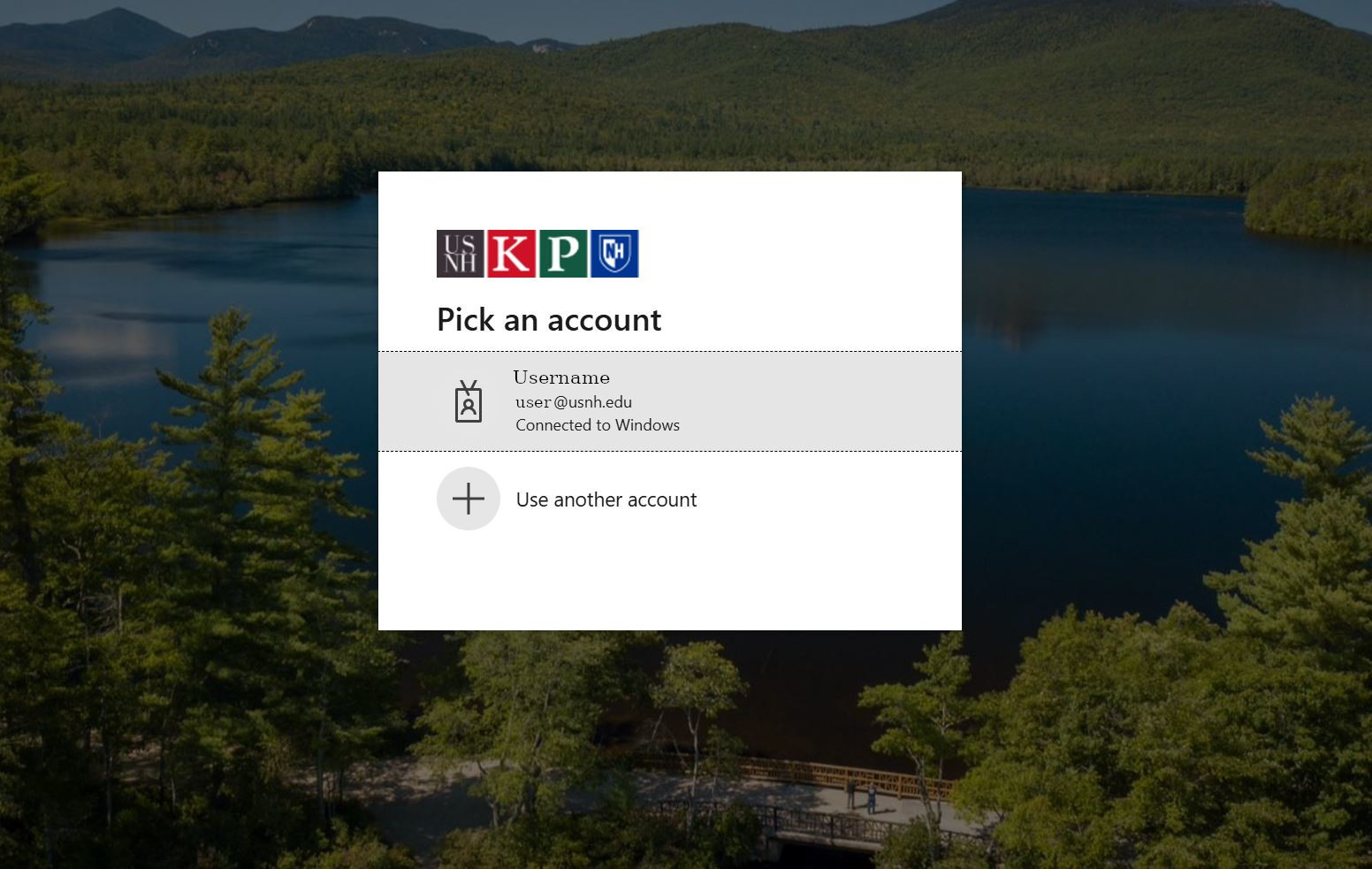
You will be redirected to login for verification. You will use your USNH Single-Sign-On username and password to log in. Users who have already authenticated via USNH SSO will automatically be authenticated and will bypass this step.
- You are now ready to create a domain. For student sites, you will be prompted to select your desired domain name as shown below. Faculty and Staff may be redirected to a TeamDynamics form to request your domain. The latter allows EH&S Software to help you evaluate your needs and offer you either a usnh.domains domain or other services if they’re more appropriate for your request.
Option 1: Free Subdomain
For no cost, you can create a subdomain of usnh.domains.
To create a free subdomain of usnh.domains enter the subdomain name you want for your website. When you’ve found an available subdomain, click the button labeled “Create.”
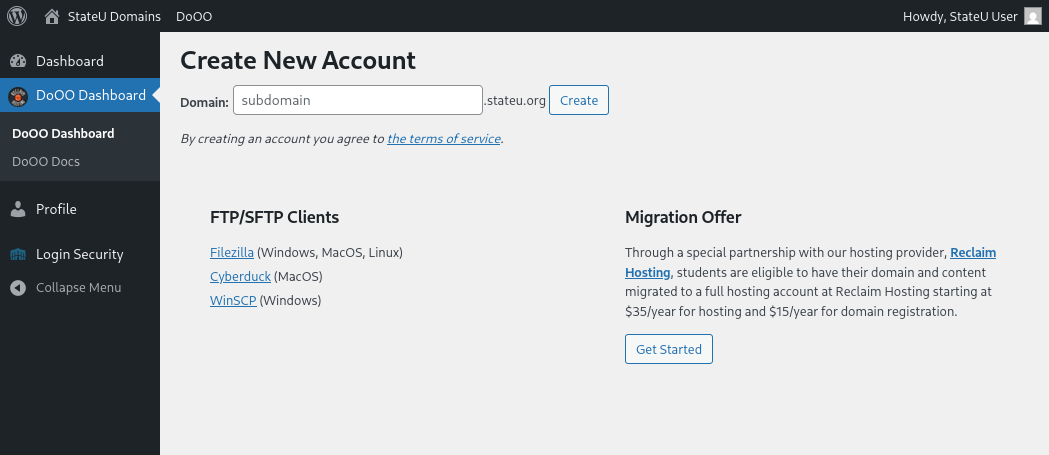
Wait at least a minute without clicking buttons or closing the window for the account to register. You should now see a screen confirming that your subdomain is ready. Once your domain is ready you will be able to access your cPanel by clicking “login” from the Domains home page again to navigate to the account dashboard, then choosing “Login” in the row listing your domain to open your cPanel.
Option 2: Buy a top-level domain from Reclaim Hosting
It is easy to create your own top-level domain. This allows you to select a URL for your website that is easy to remember and share.
While you are at Back to University System of New Hampshire, this is available for a nominal cost (currently $15/year). You can continue to use this domain after leaving USNH Domains, although the cost may increase.
To register a top-level domain log into your newly created cPanel, navigate to the Domains section, and click Register Top-Level Domain.
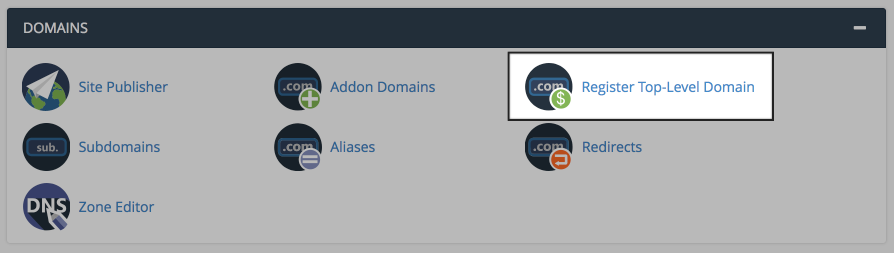
This panel offers a step-by-step guide to registering and adding a new top-level domain to your new cPanel account.
Option 3: Connect an existing domain to your cPanel
If you already have an existing domain that you’ve previously registered elsewhere, simply point your domain’s nameservers to ns1.reclaimhosting.com and ns2.reclaimhosting.com.